



Built by Fliteline

Map your air charter route before the enquiry

Built for the planning stage, not the booking desk. Plot routes, navigate airspace, calculate fuel stops, and share your plan when the picture is clear.

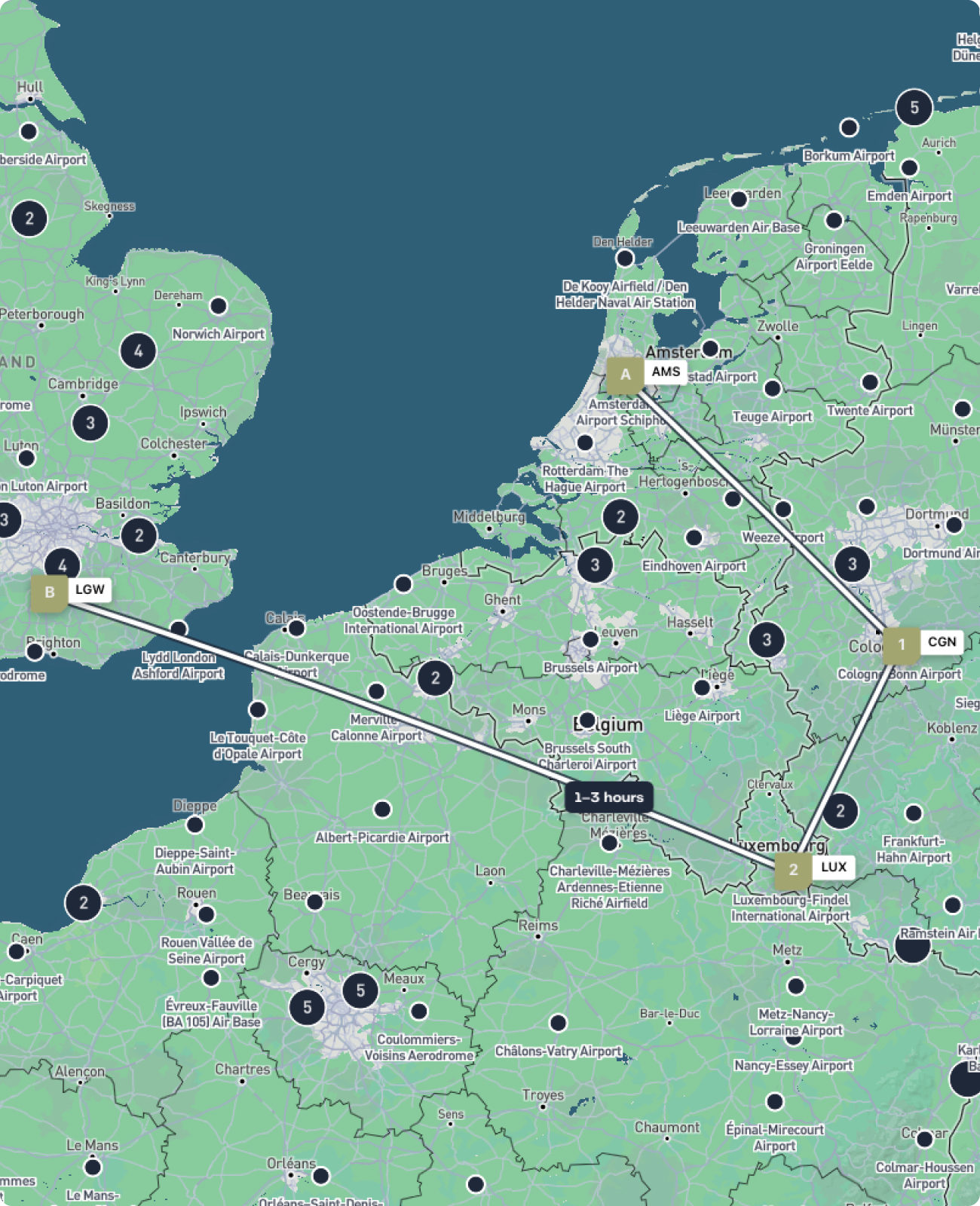
Start with a departure and a destination. Click the map or search from a global database of airports, and your route takes shape in real time, with distance, bearing, and estimated flight time calculated as you go.

Add intermediate stops, drag waypoints to refine your path, and reorder legs with a single click. Every change updates the route summary instantly, so you always have a clear picture of what you are asking for.

See the route, not just the numbers

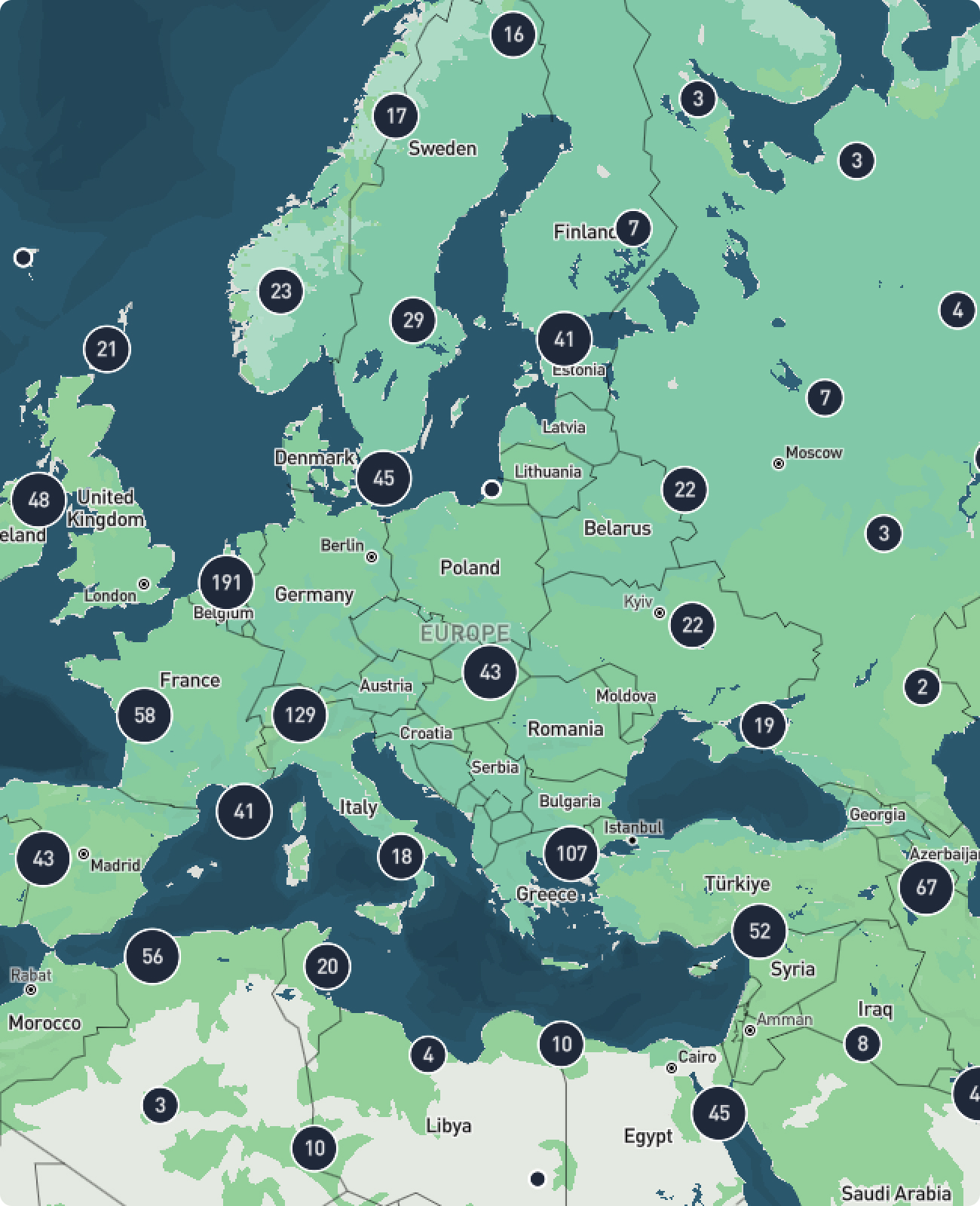
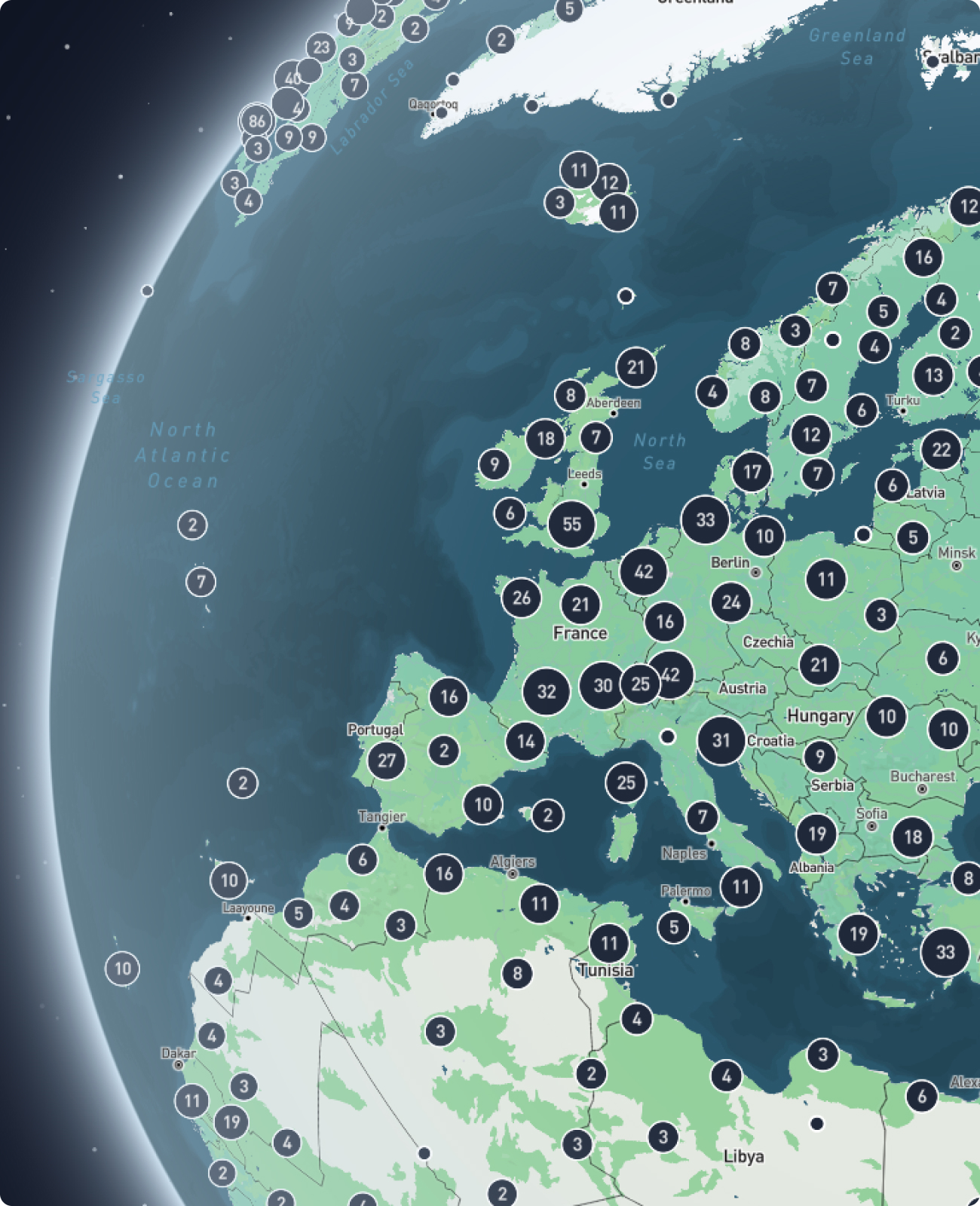
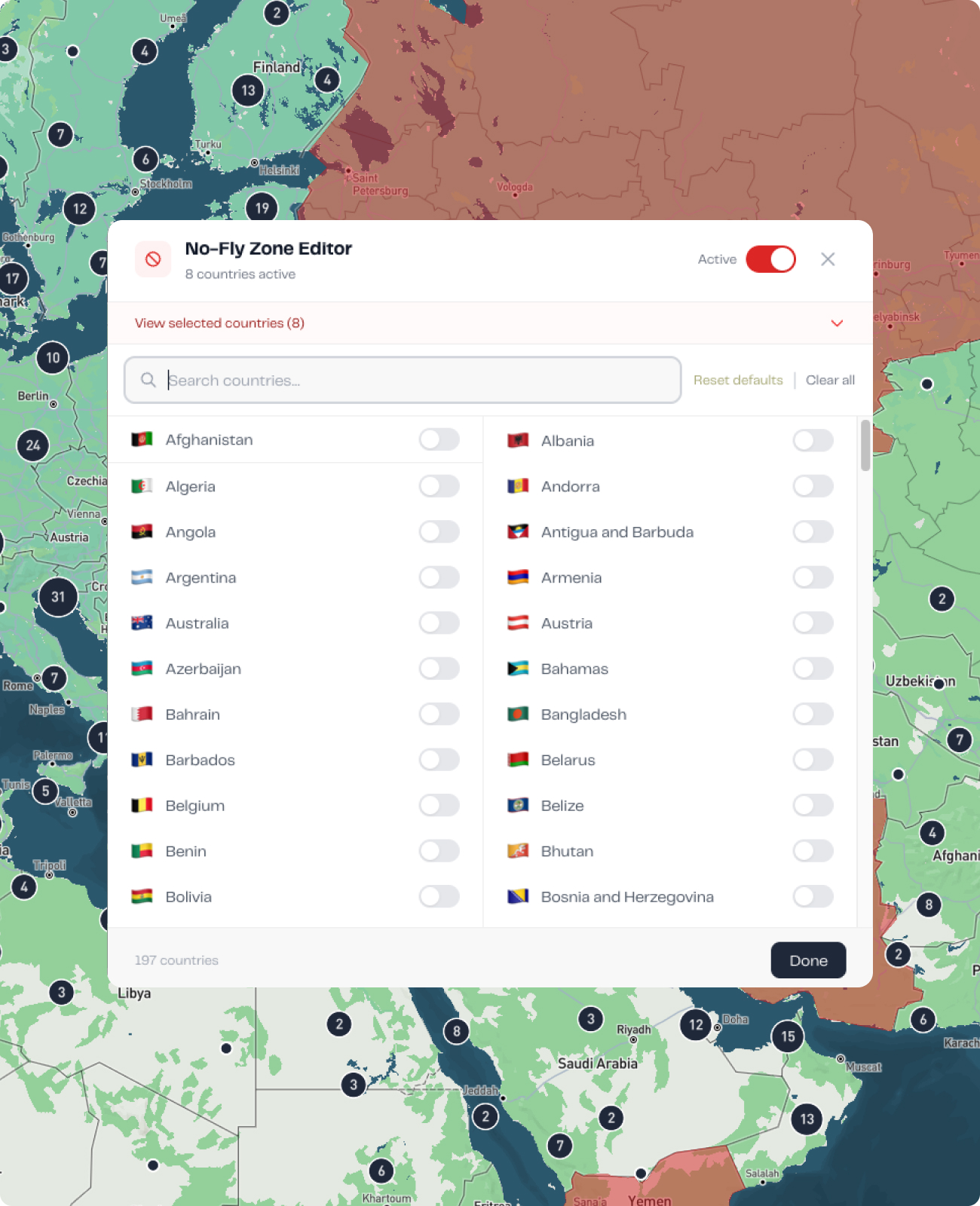
Distance figures and airport codes describe a route. A globe shows you one. FliteMapper renders your plan on an interactive 3D map as you build it, so you can see how each leg sits geographically and what the full movement looks like from above.

Everything you need to plan and visualise your charter route.

Built by people who plan charters for a living

FliteMapper is built by Fliteline, an air charter specialist based at Schiphol with 30 years of experience across cargo, executive travel, and group operations. The features reflect what actually matters before a charter can be scoped.

Plan your route in three steps.

1. Search and select your airports.

Type any airport name or ICAO code. Add as many stops as your route requires.

2. Review your flight summary.

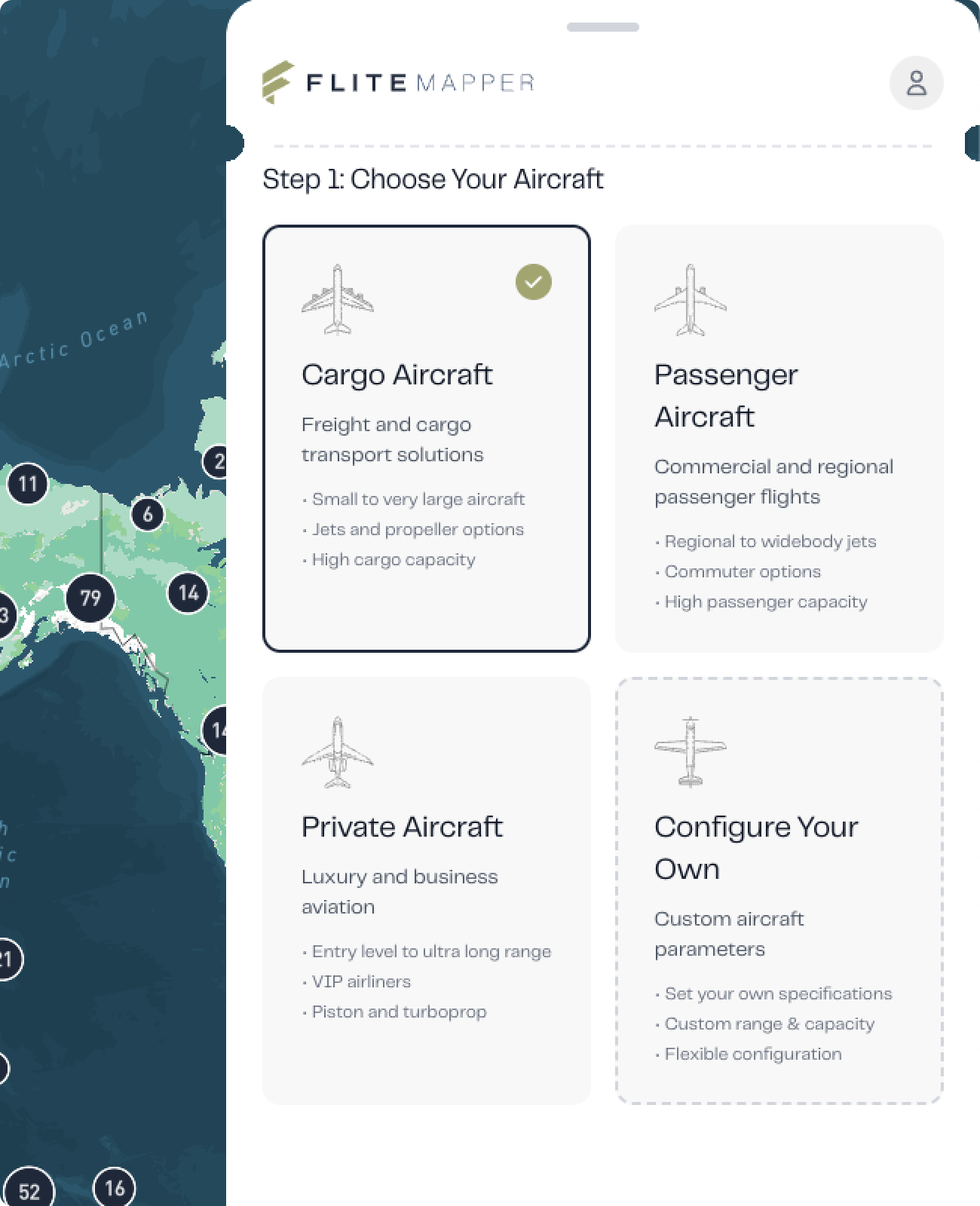
See distance, estimated flight time, aircraft options, and any fuel stops your route requires.

3. Download or submit an enquiry.

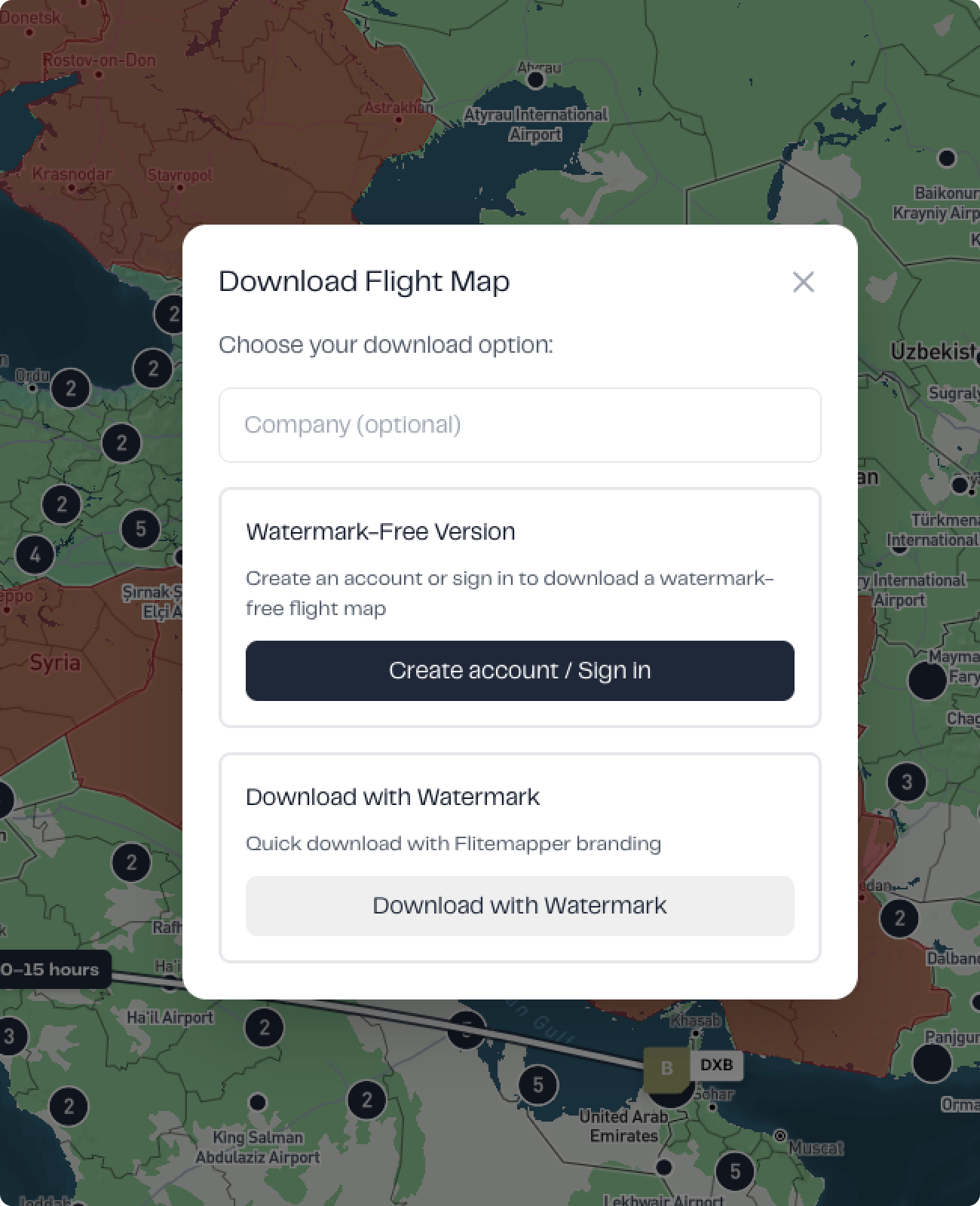
Export your route map to use in an RFQ, or submit directly to Fliteline's team for a quote.

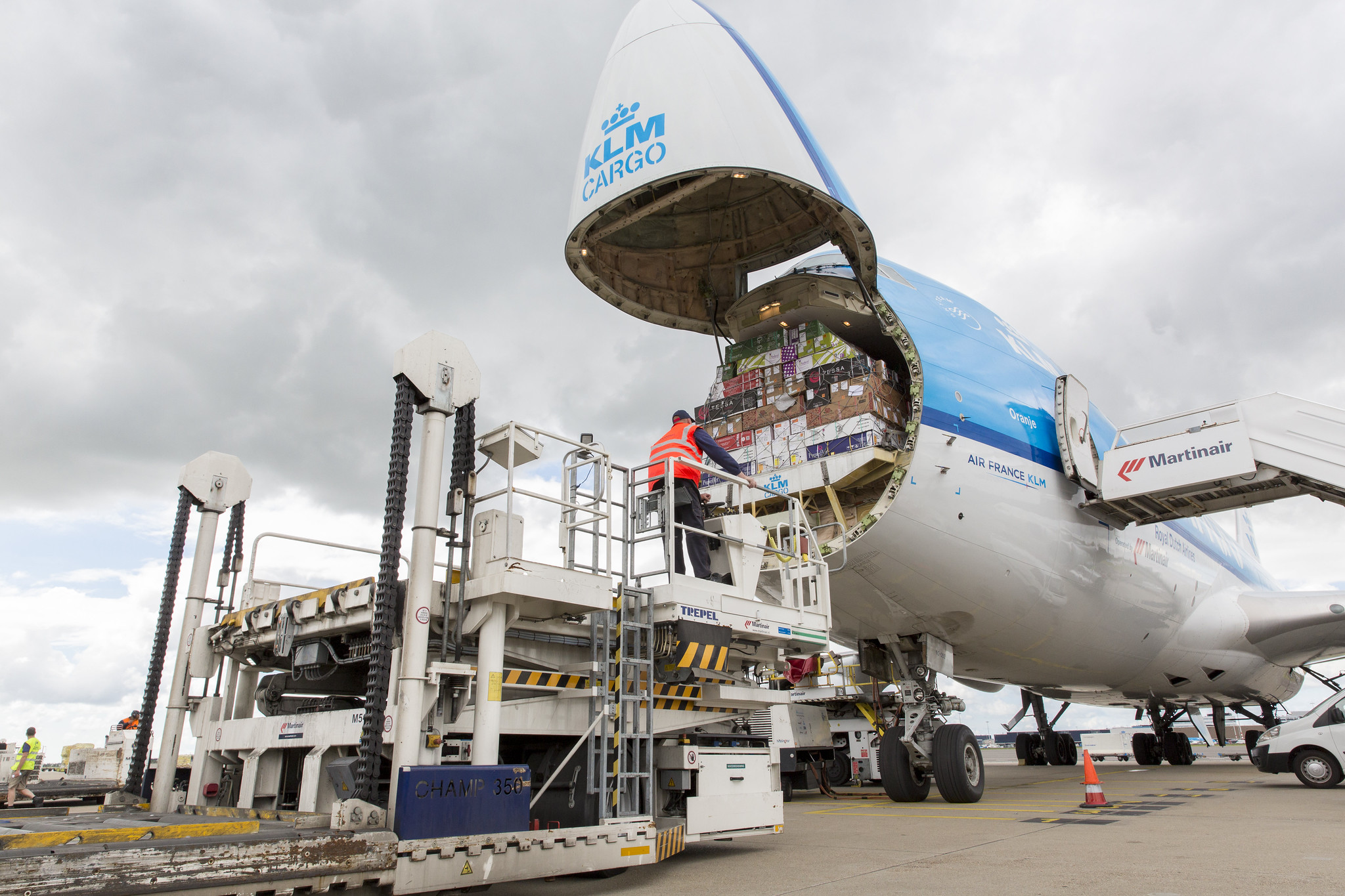
Cargo and Logistics

A time-critical shipment needs to move from Amsterdam to Almaty. The commercial freight option has fallen through and the deadline has not moved. You need to know whether the route is viable and what aircraft category makes sense before the RFQ goes out.

Map the route, see where fuel stops are likely needed, and build the brief from something solid.

For: logistics managers, operations coordinators, supply chain directors.

Business Travel

Your leadership team needs London, Zurich, and Milan covered in 48 hours. Commercial connections do not work for the schedule. Before you present anything, you need a clear picture of whether the routing is realistic and what aircraft category fits.

Map the multi-leg route, review the flight summary, and walk into the conversation with something to show.

For: executive assistants, travel managers, corporate travel coordinators.

Group and Event Travel

A group of 80 needs to move across three cities ahead of a major event. Commercial travel cannot serve the schedule and the movement is too complex to estimate without a plan. Before you commit to a client, you need to know whether this is operationally feasible.

Map the full routing, get a sense of the aircraft size needed, and present a proposal that holds up to scrutiny.

For: event managers, sports travel coordinators, corporate travel planners.

Why Fliteline Built FliteMapper

The planning stage of a charter affects everything that follows. Route feasibility, aircraft range, fuel stops, airspace: each one shapes what is actually possible, and all of them are easier to get right at the start than to correct later.

FliteMapper exists to make that stage more useful. Not to replace the conversation, but to make it worth having sooner.

Is FliteMapper free to use?

Yes. There is no cost and no account required. You can map a route, review the flight summary, and download a PDF without creating a login or submitting any details.

How accurate are the routes and distances?

FliteMapper is built for planning decisions, not certified routing calculations. The distances, bearings, and estimated flight times it produces are useful approximations to help you understand a route before a formal enquiry. A Fliteline specialist will work through the precise operational detail with you from there.

What airports are in the database?

FliteMapper draws from a global database of airports. You can search by name, city, or ICAO code, or click directly on the map. If you cannot find a specific airfield, try the ICAO code first.

Can I use it for cargo routes as well as passenger flights?

Yes. The tool works across all charter use cases. Whether you are mapping a multi-leg cargo movement, an executive itinerary, or a group operation across several cities, the planning process is the same.

Can I save or share my route?

You can download a clean PDF of your completed route plan. That gives you something to reference internally, include in a brief, or send directly to the Fliteline team when you are ready to take the next step.

What happens after I map my route?

When your plan is in good enough shape, you can send it directly to Fliteline to start a conversation. Your mapped route, flight summary, and aircraft preferences travel with the request, so the conversation starts from a clear picture rather than a blank enquiry.

Does FliteMapper replace the need to speak to a charter specialist?

No, and it is not designed to. FliteMapper helps you get to the point where that conversation is worth having. The operational detail, aircraft availability, regulatory requirements, and final routing are all handled by the Fliteline team once you make contact.

Start Planning Your Air Charter Route

You do not need a complete brief to get started. Map what you know, and the picture will take shape from there.